Outdoor Digital Signage Glass
For a freestanding kiosk, start with the glass outline, the active screen area and how the cover fits the enclosure. State whether your enquiry is for the glass cover alone or includes a display or complete kiosk.
Request a quote View photos and illustrations ↓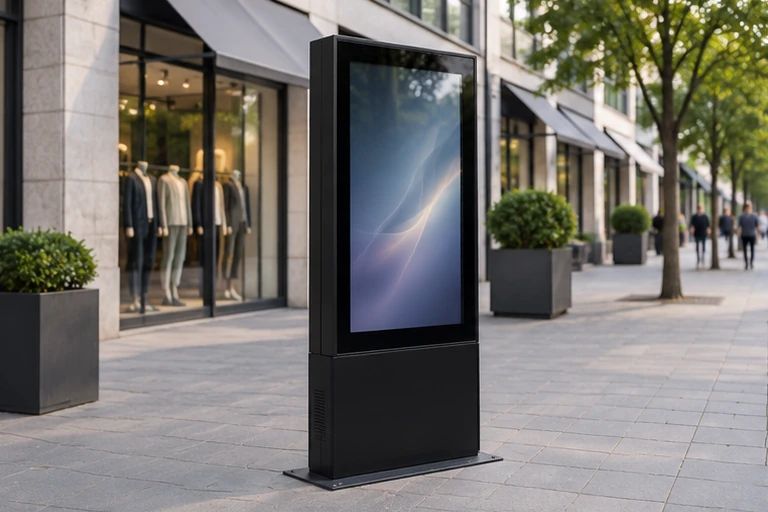
- Specification points
- 4
- Detail and application images
- 4
Before requesting a quote
- Cover outline and active screen area
- Bezel and mounting clearances
- Viewing angle and daylight exposure
A wayfinding screen at a shopping centre
Check the map from the position where a visitor stops to read it. If the kiosk stands at the edge of a canopy, record its orientation and exposure to rain for the equipment supplier.

A two-screen street terminal
List the two covers separately, with the outline, orientation and clear area for each screen. Supplied site photo · background retouched
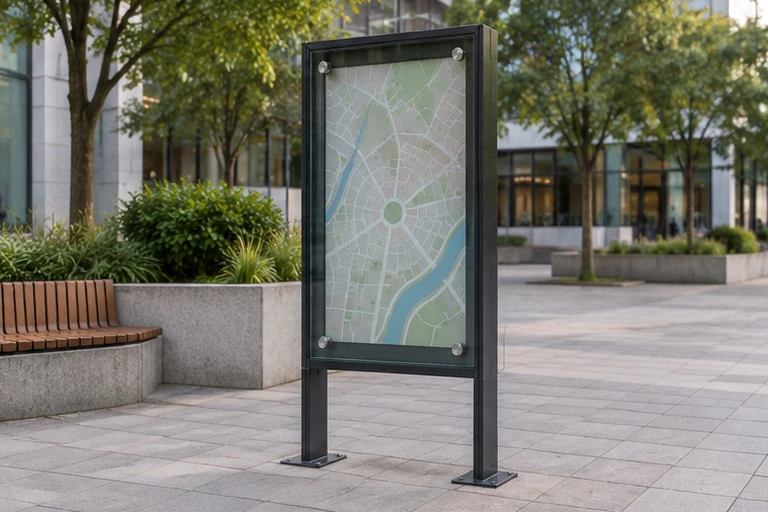
Wayfinding on a retail plaza
Consider reflections from both the approach route and the point where a visitor stops to read.
Glass cover and equipment requirements
- Glass and bezel
- Specify the outside dimensions of the glass and the clear area in front of the screen. Identify mounting features and which face is exposed to the public.
- Sunlight and reflections
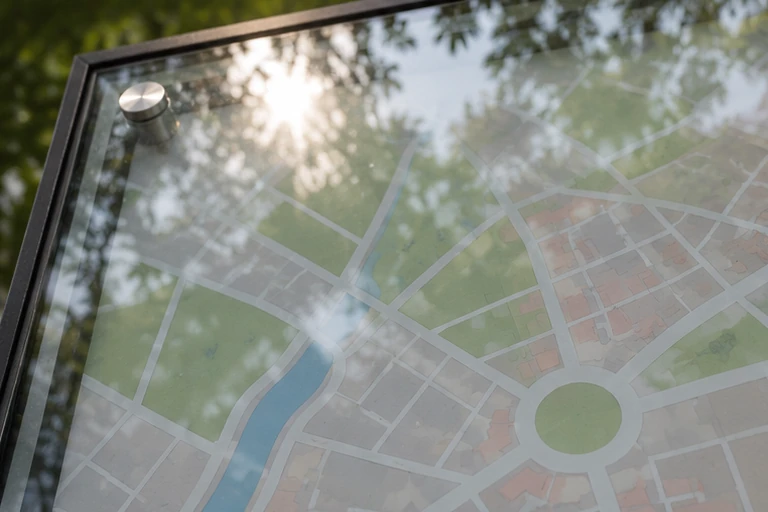
- Mark the screen orientation and the time of day when it receives direct sunlight. These details help separate cover reflections from the display brightness needed on site.
- Enclosure protection
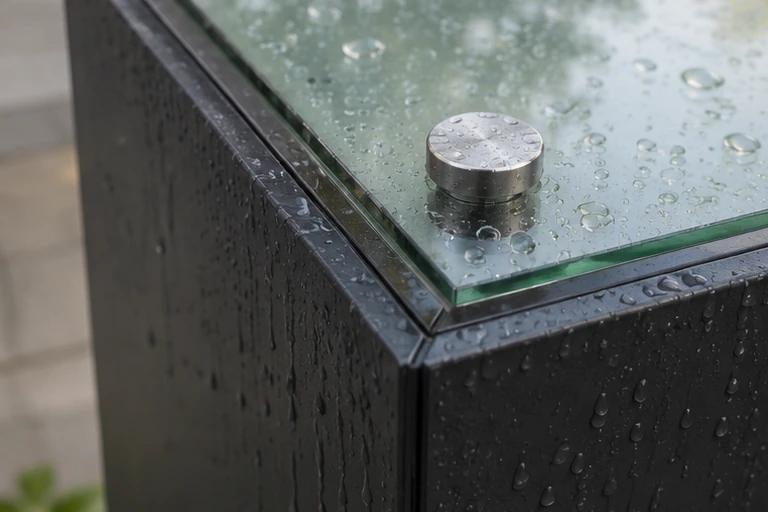
- If the installation has an impact or ingress protection requirement, identify the component or assembled enclosure it applies to and the evidence your project requires.
- Glass and display interface
- Send a section through the frame showing how the cover sits in front of the display. Give the clearance to the screen and the area available for the bezel or seal.
What to include in your RFQ
For cover glass, state the panel and viewing dimensions, units, thickness, drawing revision and quantity. For equipment, add the screen size, exposure, required ratings, delivery destination and requested scope.
Send a project enquiry